For repeating processes
Feza Workflows
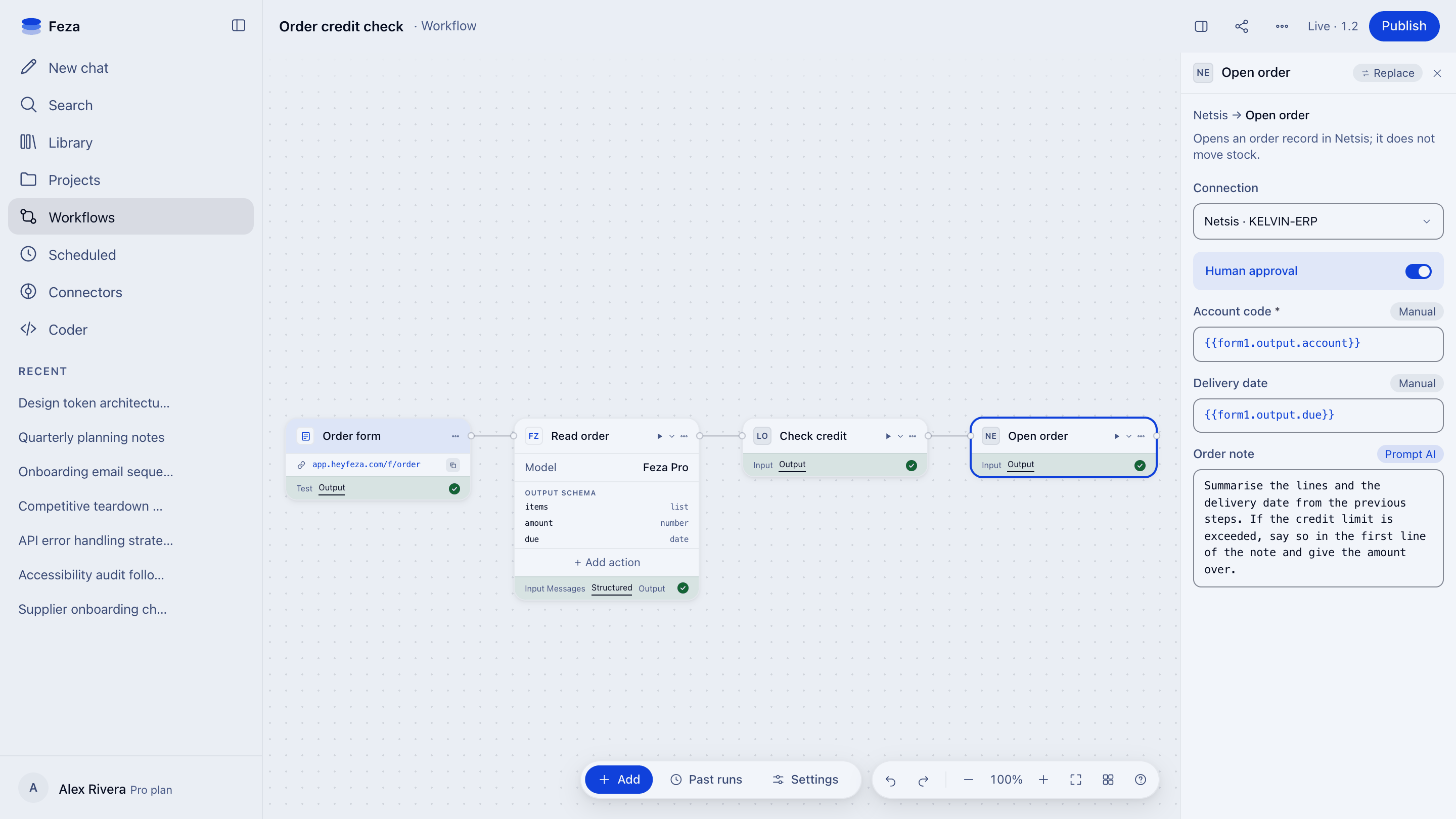
Build process automations that combine AI steps with human approval.
Every team's work differs. One Workflows standard.
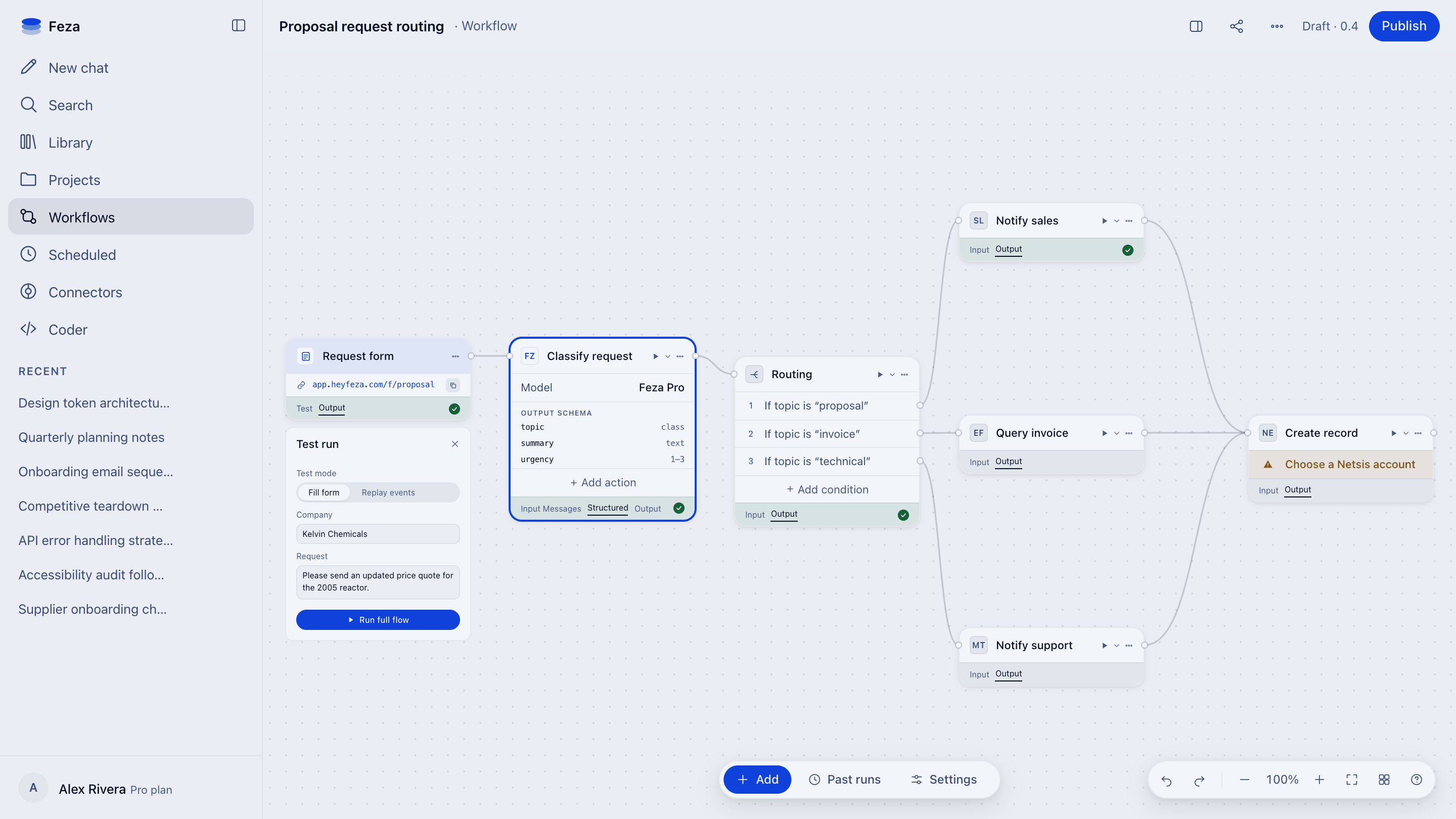
Incoming request classification
Sort the request by topic. The record keeps which version ran.
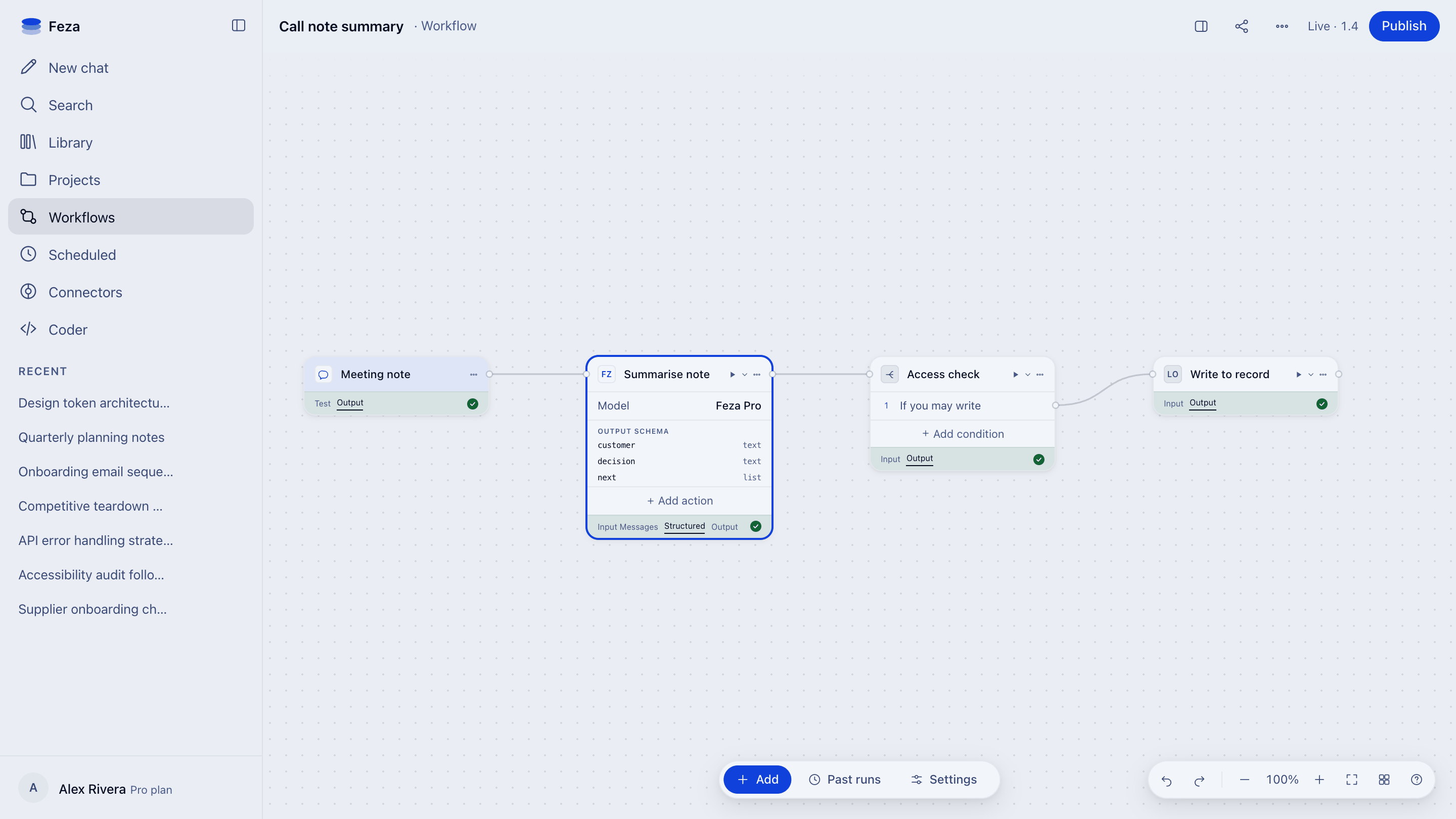
Call note summary
Summarize the note. Write the result only to a record you have permission for.
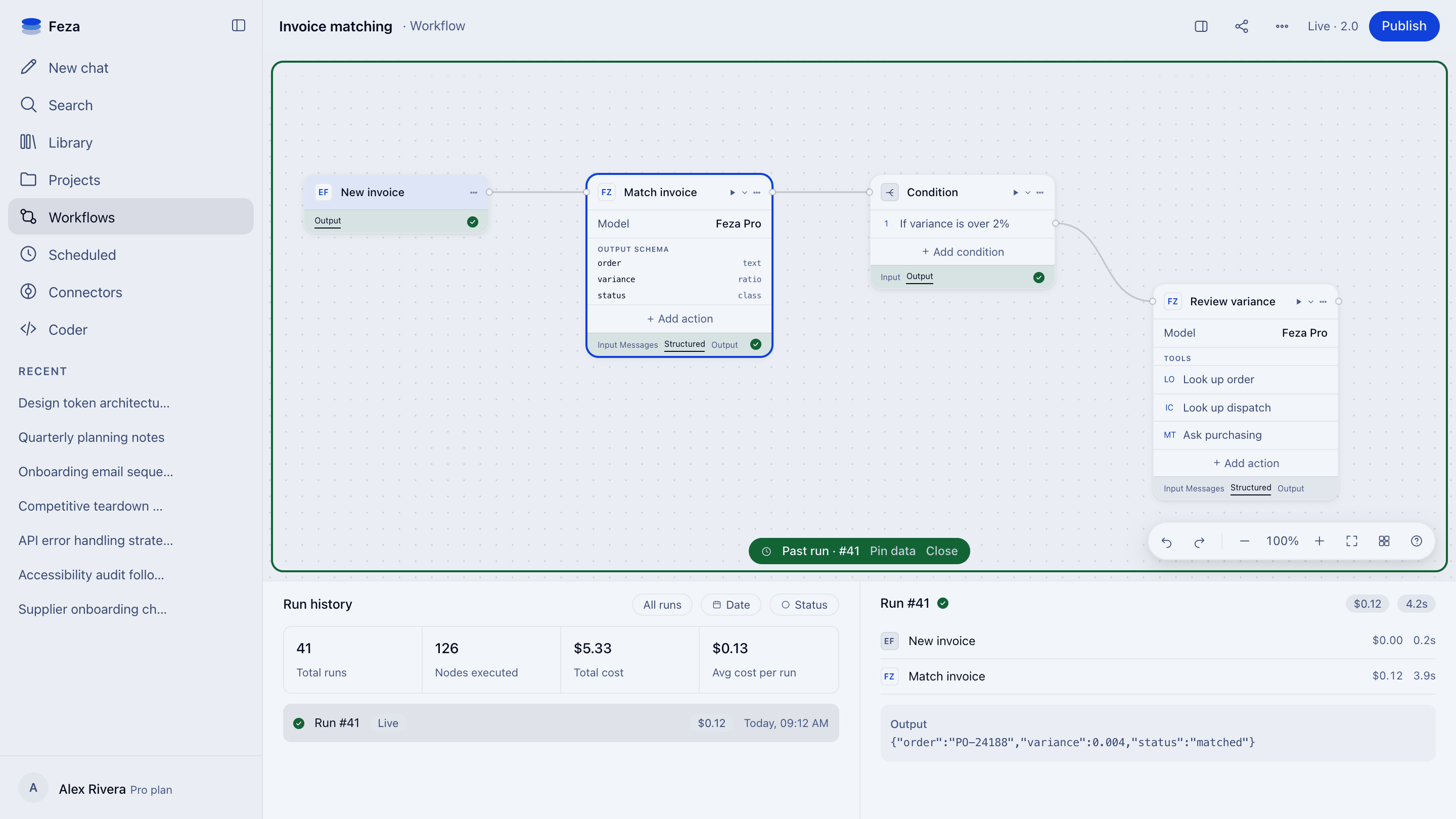
Document check
Read the incoming document against the checklist. Keep the approval gate inside the definition.
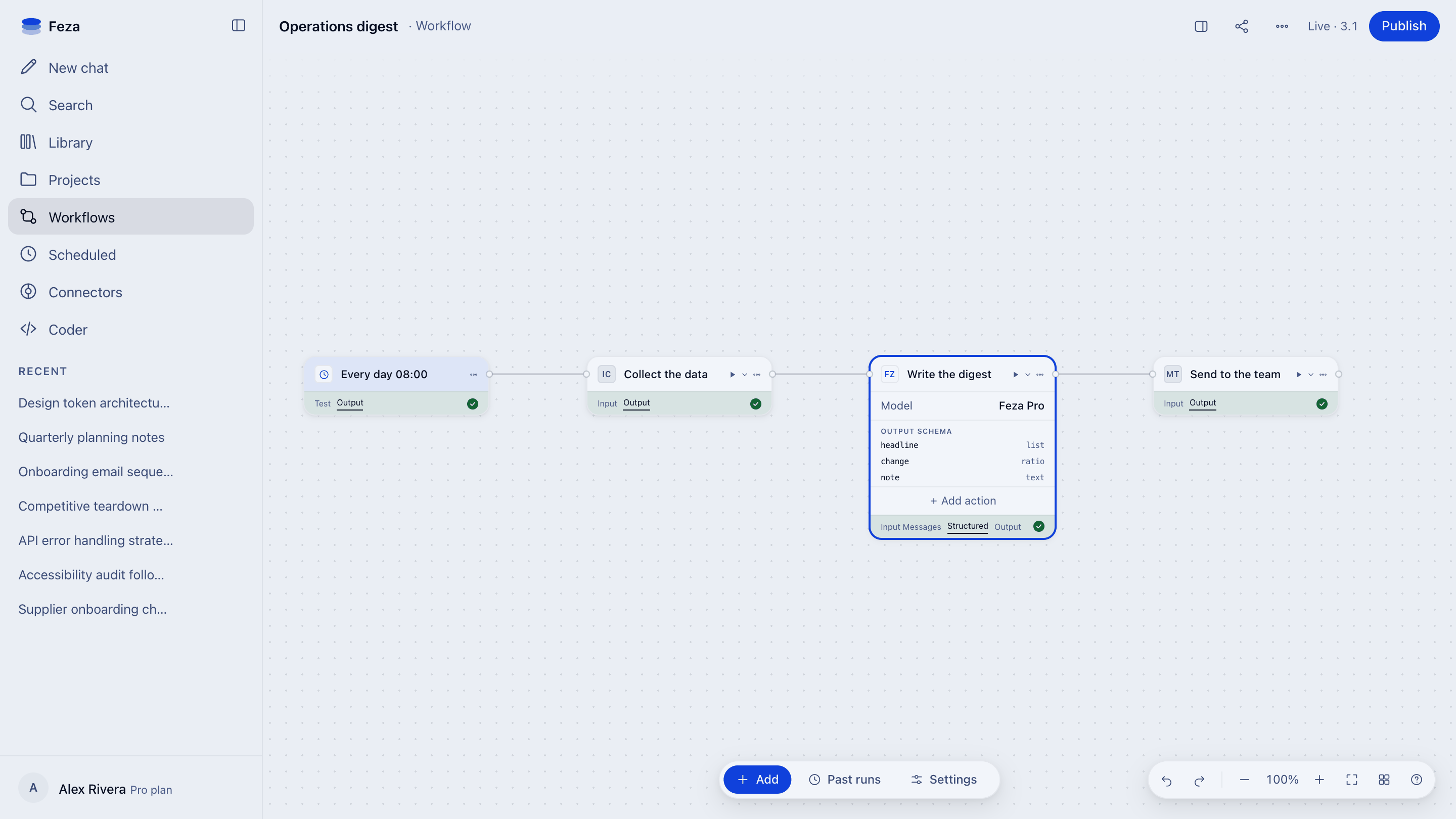
Scheduled compilation
Schedule a recurring compilation. Every run leaves its own trace.
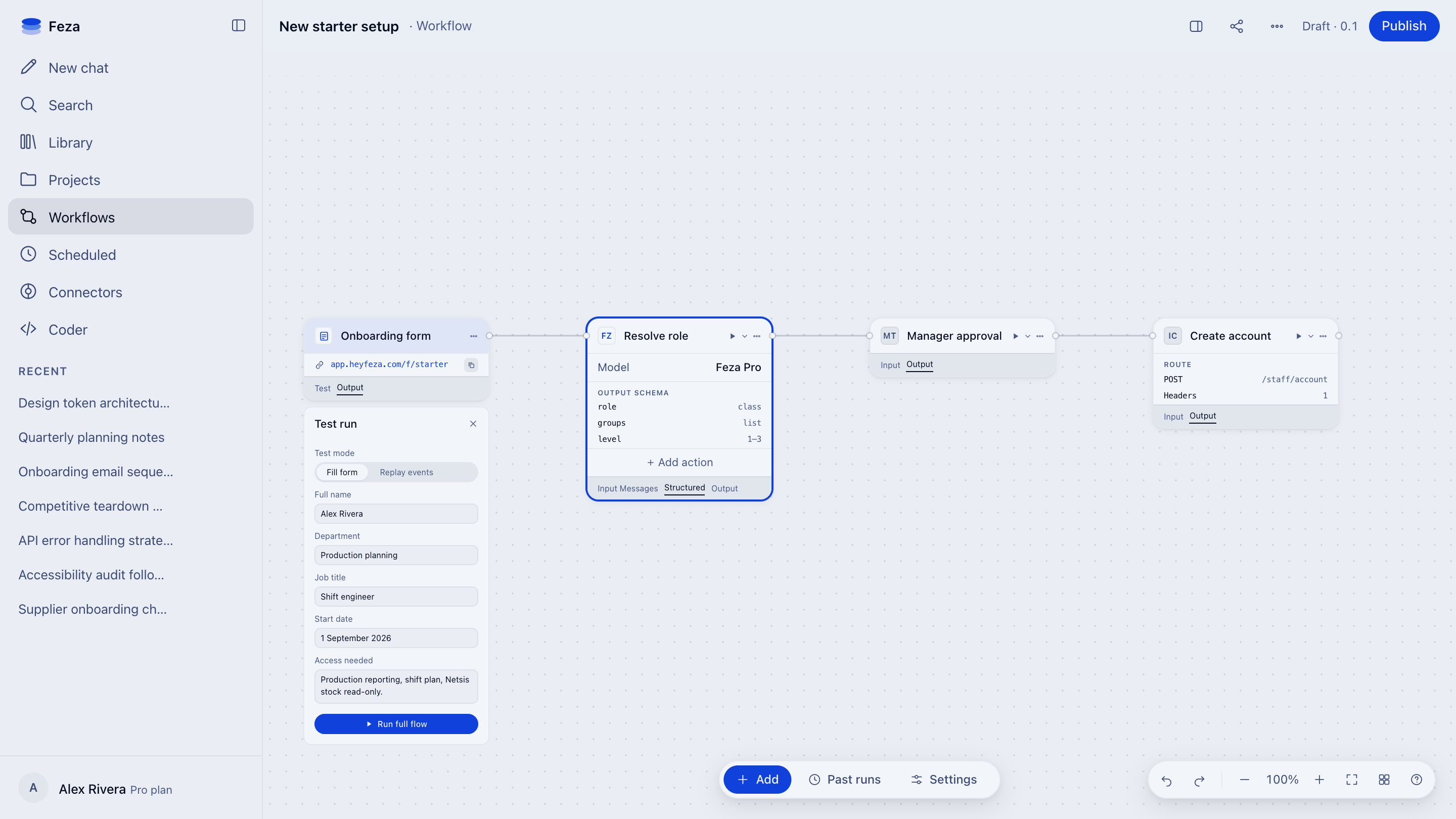
Access request
Route the request. No step takes effect without approval.
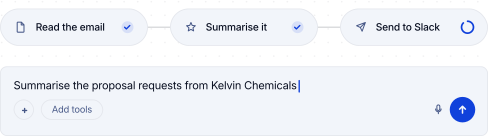
You stay in control. Build agent-assisted or fully defined automations.
Agent step
Add agents to your workflows. They can use tools and return structured output.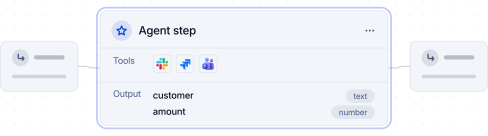
More than 100 integrations
Connect the tools you use to your workflow with more than 1,000 actions. See all integrations.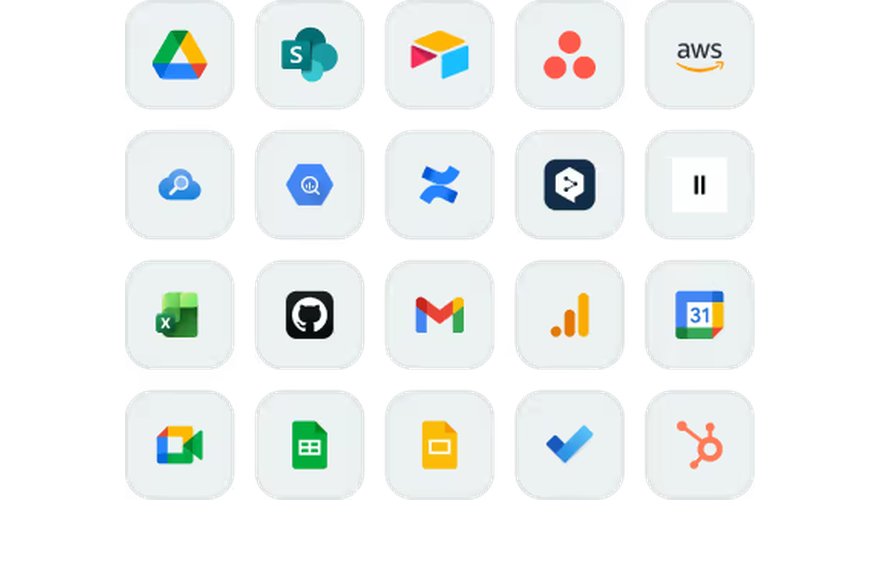
One-click publishing
Open your workflow to your team in one click.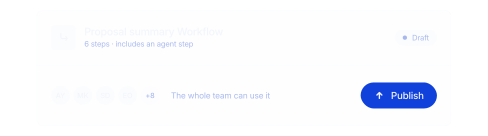
FAQ
Feza Workflows automates multi-step processes with AI, integrations, and rules specific to your organization. It brings Agents, applications, decision rules, and human approvals together in one flow, end to end.
You can automate many processes, including lead evaluation, document preparation, customer request classification, bulk data processing, internal approval processes, and cross-application operations.
No. You can describe the process in natural language, or drag and connect steps, variables, and integrations in the visual designer. Both methods update the same Workflows. You can design, test, and publish without technical expertise.
Workflows is enabled with the organization administrator's approval. Creating, testing, publishing, and running are separate permissions, granted by user role.