Integrations
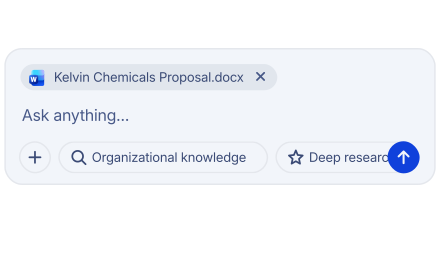
Connect your tools once
Manage what data each team can access, with roles and permissions in Feza.
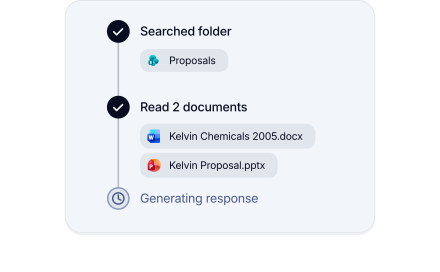
Every connection is controlled and traceable.
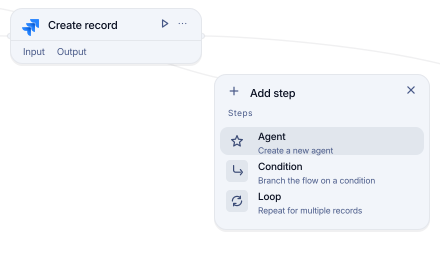
Build custom integrations
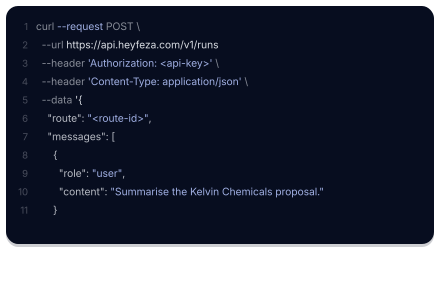
Connect your organization's own systems to Feza over the API.
Extend capabilities with MCP
Connect tools and data sources to Feza over Model Context Protocol.
FAQ
There are three ways to connect: built-in connectors for common enterprise tools, custom integrations for any system with an API, and tools and data sources reached over Model Context Protocol. Tell us which systems matter to your organization and you will get a straight answer.
Yes. Feza uses secure authentication methods such as OAuth 2.0 and runs every connection within your organization's access policies. When custom code is enabled, it runs in an isolated environment. Every operation is recorded.
No. Many business tools come with ready-made connections. When a custom system or action is needed, you can use MCP or Feza's integration builder, which offers guided JavaScript support.