Workspace
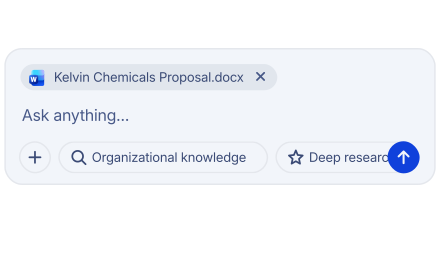
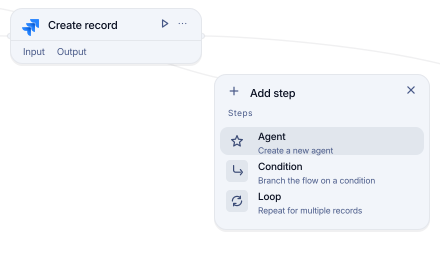
Chat, agents, workflows, integrations, and APIs live in a single entry point.
Built for cross-team flow. Feza unites all teams in a single organization while keeping each team's knowledge strictly separate.
Chat, agents, workflows, integrations, and APIs live in a single entry point.
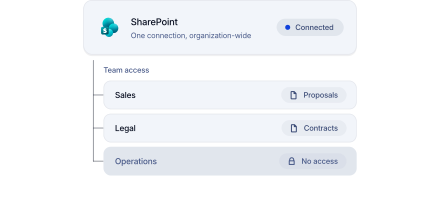
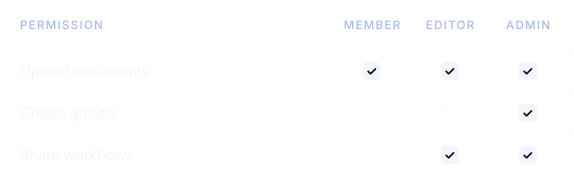
Access is segmented by team; shared employment does not grant Marketing access to Finance policies.
Permissions and memberships are evaluated before any request executes.
The organization is opened manually for designated users only.
One workspace
Permissions decide access before the model replies.
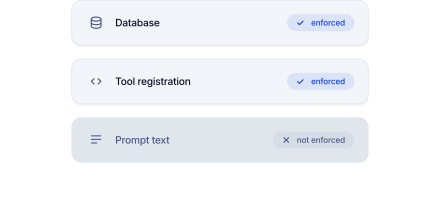
Enforced in the database and tools, not in prompts.
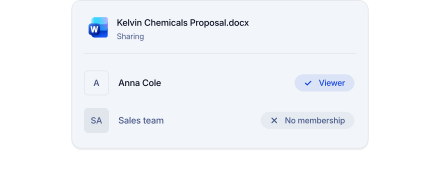
Access to one file does not grant team permissions.
One connection is not open to everyone; access is separated by team.
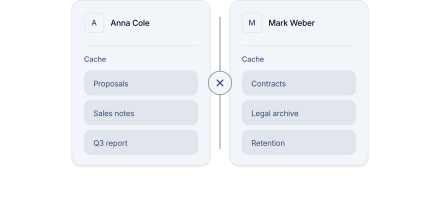
Cached data is completely separated between users.
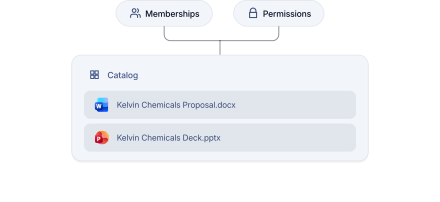
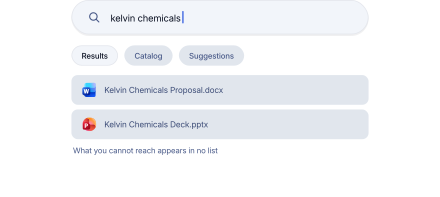
Unauthorized files never appear in search or catalog.
Security by default
Roles, memberships, and policies are managed centrally. Enforcement never depends on model behavior.
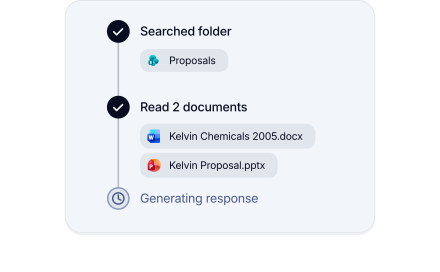
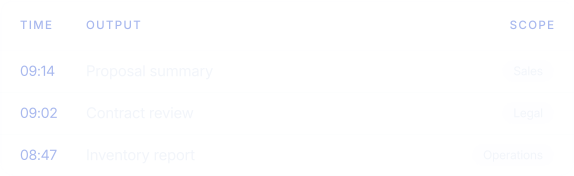
Every request is recorded in the workspace alongside its access scope and generated output.
No false certifications claimed. The security page clearly outlines the active setup and launch conditions.
Scope
Private by default, yet remains within the organization.
Private
Dedicated workspace. Sharing a department does not grant access to others.
By invitation
A department's data stays with that department and never leaks out.
Team-only
The ultimate boundary for models, permissions, files, tools, and budgets.
Ceiling
Expert technical staff by your side throughout the process.
A shared channel for fast, uninterrupted communication.
Periodic sessions designed to accelerate team adoption.
Interactive sessions tailored for project initiation.
Workshop topics