The AI Platform for Regulated Industries
Feza helps companies transform
with AI within their boundaries.
One workspace. Five ways to work.
Chat
Ask in your own language. Get answers only from the organizational knowledge you are allowed to see.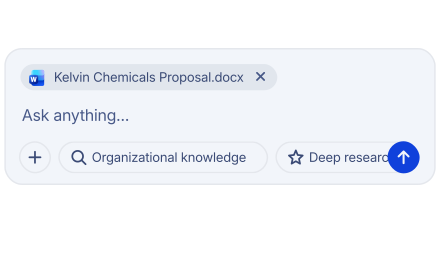
Agents
Hand off repeating tasks to AI agents built for your organization.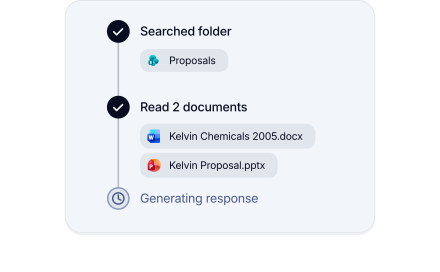
Workflows
Automate multi-step processes in a safe and auditable way.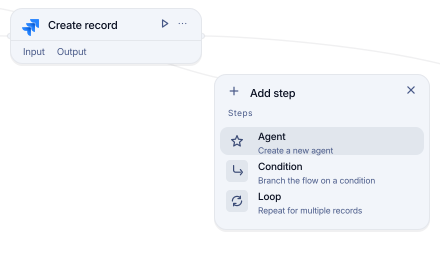
Integrations
Connect the tools you already use to Feza.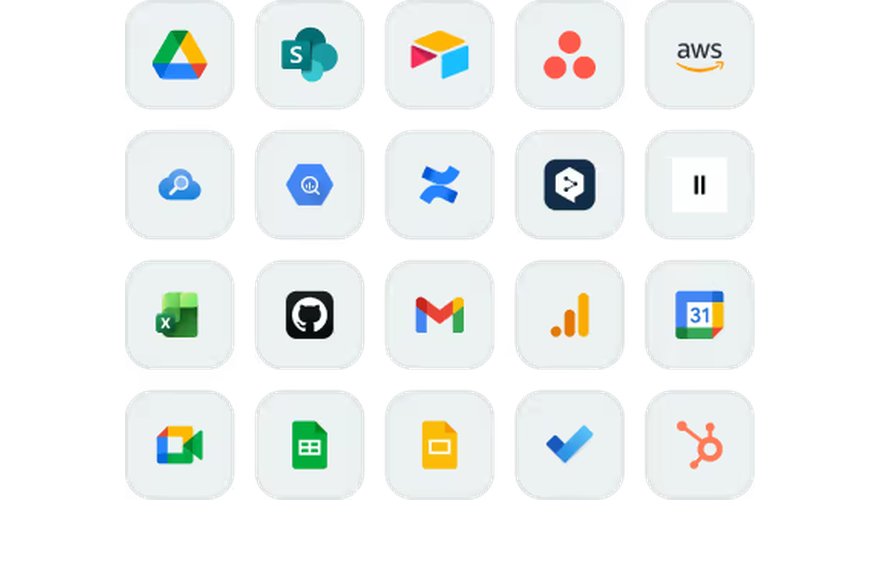
API
Build it into your own applications.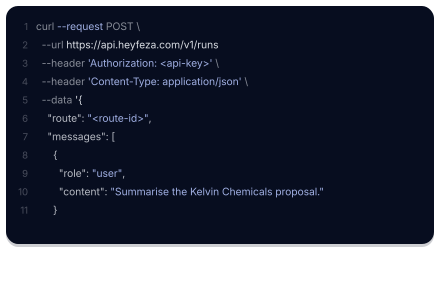
Models change. Six things that stay with your organization.
Your language first
Language-aware search finds your organizational content with its context.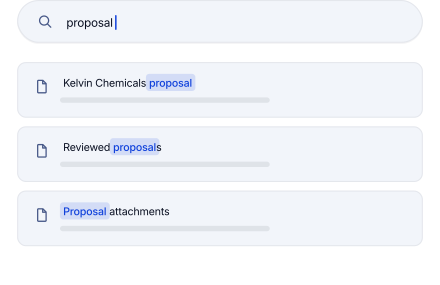
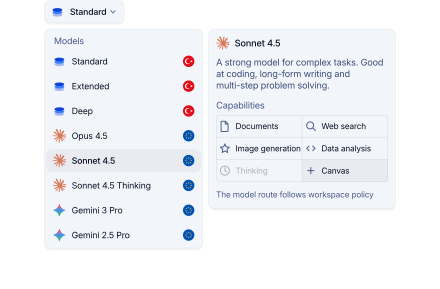
You control model switching
Models that do not meet the conditions are not used. Your request is not routed to them.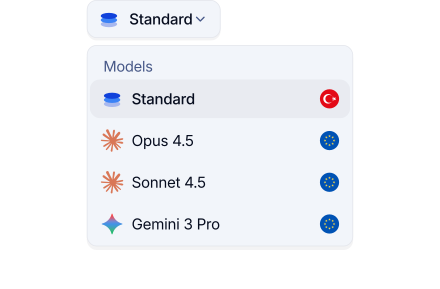
Access by team
Each team works only with the knowledge your organization has opened to it.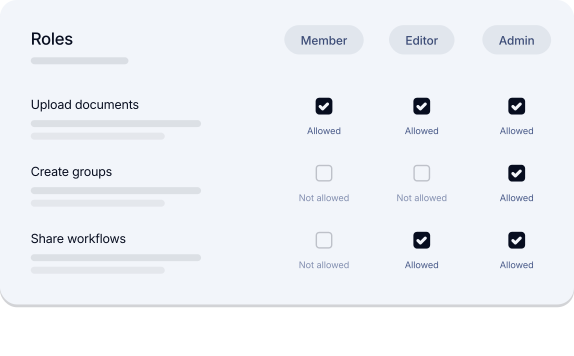
Every action is recorded
Who produced what, and with which model, is recorded. Past records are preserved.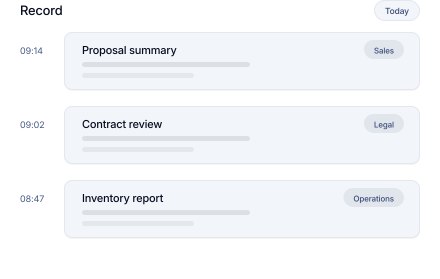
From Chat to traced output
Every output is traced with its sources and its history, inside the same access boundaries.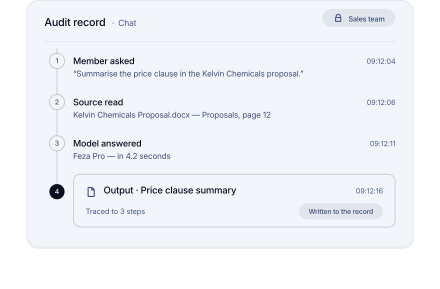
All leading AI models
Choose the right model for each task and switch at any time without leaving your workspace.


Stored in the EU, processed in the EU.

-
You enter data
Your projects, files and conversation history are stored in the European Union.
-
The request is processed
Inference runs in the EU by default. Routes beyond it are used only if your policy allows.
-
You receive a response
The answer returns to the same workspace with its sources, and the action is recorded.
-
Your data stays yours
Persistent workspace data does not leave the EU, and Feza does not use your content to train its own models.
Meet the Context Model The missing layer in Enterprise AI.
Organization-wide AI. Organization-wide security.
Security overview
See how Feza sets access boundaries and how it applies them on every action.
One place to manage it all
Manage every department, user role, and AI policy centrally.
FAQ
Feza turns AI from a personal tool into a working system shared across the organization. Employees and AI agents work together in one place: teams chat in their own language, build agents for their own organization, and automate multi-step processes with Workflows. The knowledge, agents, and automations they produce collect in shared libraries. A solution one team develops speeds up the work of the others, and the organization's productivity rises with every use. Model choice, access permissions, and control over the data stay with the organization.
Feza determines the access scope of every request from membership and permissions, before the model is involved. Access rules are not left to the prompt text alone; they are applied in the data and tool layers. Content you are not permitted to see is not included in the results, and its existence is not shown. See the details on the Security page.
In short, Workflows runs steps that are already set; an Agent plans the steps that reach a goal. workflow makes repeating processes standard and versioned. Agents decide how to proceed within the goal and the permissions you define. When needed they can run only published workflow versions. They cannot change those versions or skip required approvals.
Feza is being built so that all persistent workspace data stays in the European Union: projects, files, conversation history, citations, and access records. Inference runs in the European Union, or, where your policy allows it, on an approved route beyond it. Only the content needed to process a given request is sent to the selected route, and persistent workspace data does not leave the European Union. These are the launch conditions Feza is designed to meet, not a claim about the current state or about certification. Installed controls and targeted conditions are separated clearly under Current trust status.
The Business plan is $30 per user per month and the Professional Services plan $50, excluding VAT. For organizations with 50+ employees, the Enterprise plan is priced to your needs and includes the Adaptation Program. Model usage is part of the seat price; Automation, Governance, and API are priced separately according to need. See every line item on the Pricing page.
Feza goes live through a controlled 6–8 week adoption program. The first step is to identify the use cases that will genuinely speed up daily work and whose results can be measured. While selected teams work with their own documents and real tasks, access, data sources, and model policies are configured for your organization; usage, quality, and time saved are tracked weekly. Agents and automations that prove their value are moved into the shared library and spread to the other teams. At the end of the pilot there are measured use cases, trained users, and a clear adoption model that can be carried across the organization. See the details on the Enterprise page.